
Overview

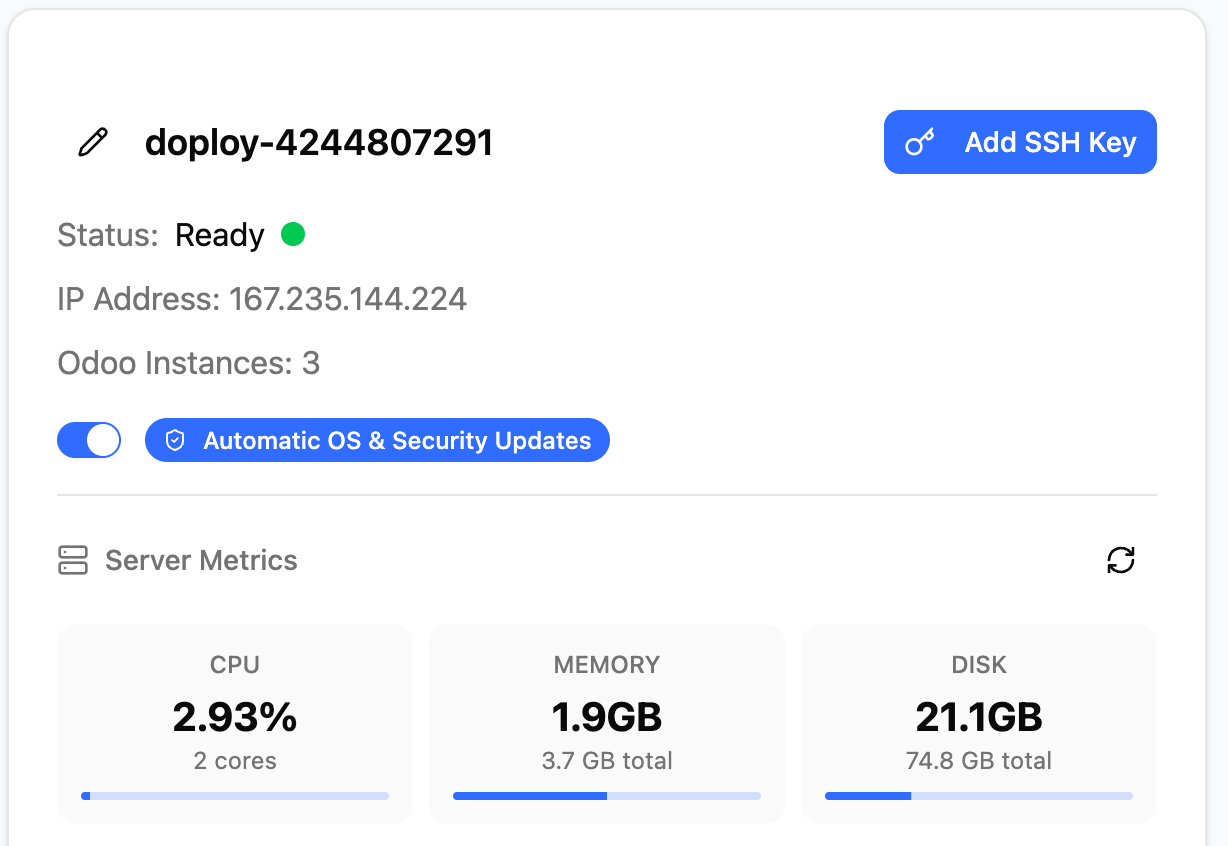
Enable automatic security updates to keep your server protected. Updates run every weekend and don’t cause downtime. Server Security Settings
What Gets Updated

When enabled, doploy automatically applies security patches to:
  • Host system - Ubuntu security updates for the server OS
  • All containers - Security patches for each running Odoo instance
What’s excluded: Kernel updates (these require reboots and are handled separately)

Update Schedule

Security updates run automatically every weekend. Your Odoo instances stay online during updates - no downtime or restarts required.

Enabling Updates

Toggle “Automatic OS & Security Updates” in your server settings. That’s it - doploy handles the rest automatically.

Next Steps