

Overview
Reset your Odoo admin password by logging in as the admin user through doploy’s “Connect As” feature, then changing the password from within Odoo.Step 1: Select Your Instance
From your project’s deployments page, select the instance where you need to reset the admin password.Step 2: Click “Connect As”
In the History tab, click the “Connect As…” button for your running instance.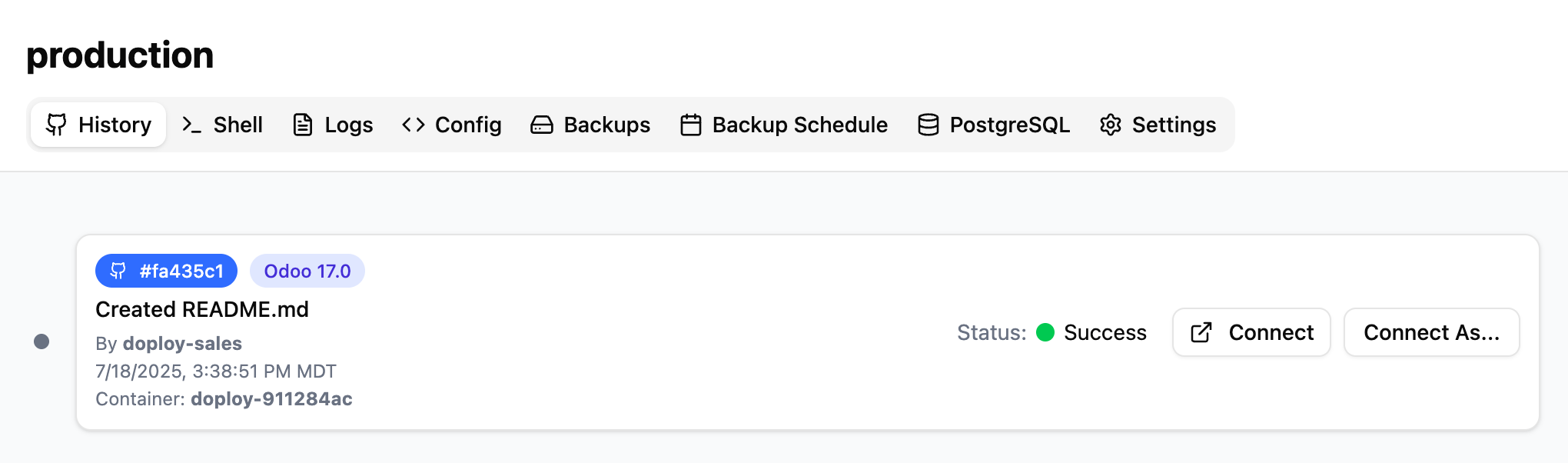
Step 3: Select Admin User
In the modal that appears, select “Administrator” or “admin” from the dropdown and click “Login”.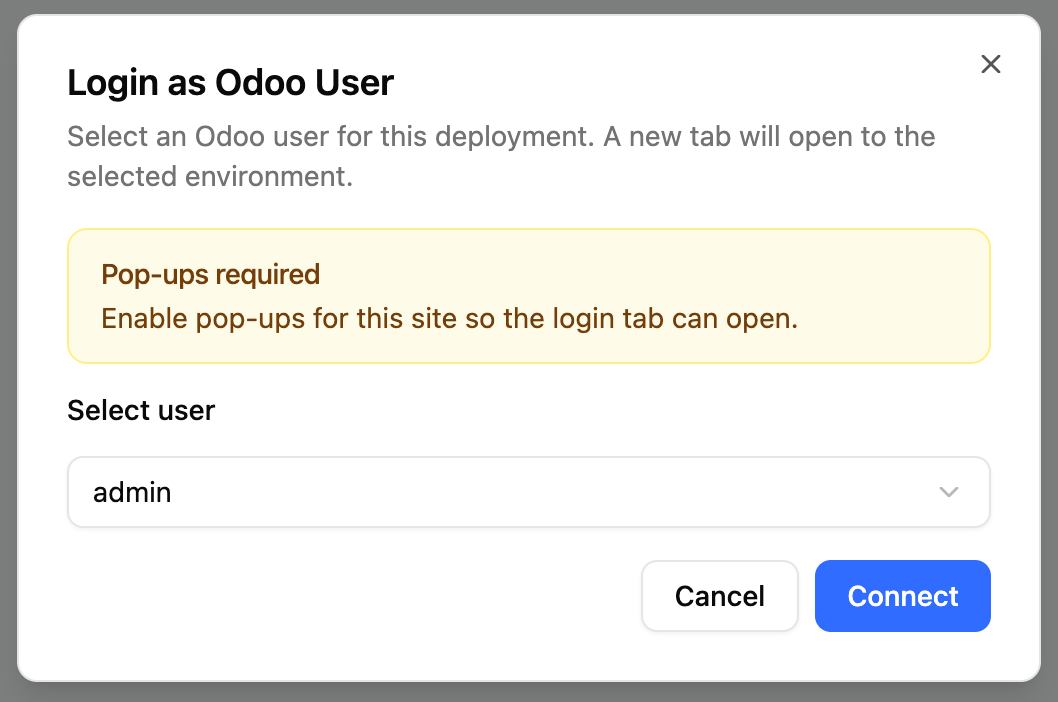
Step 4: Change Password in Odoo
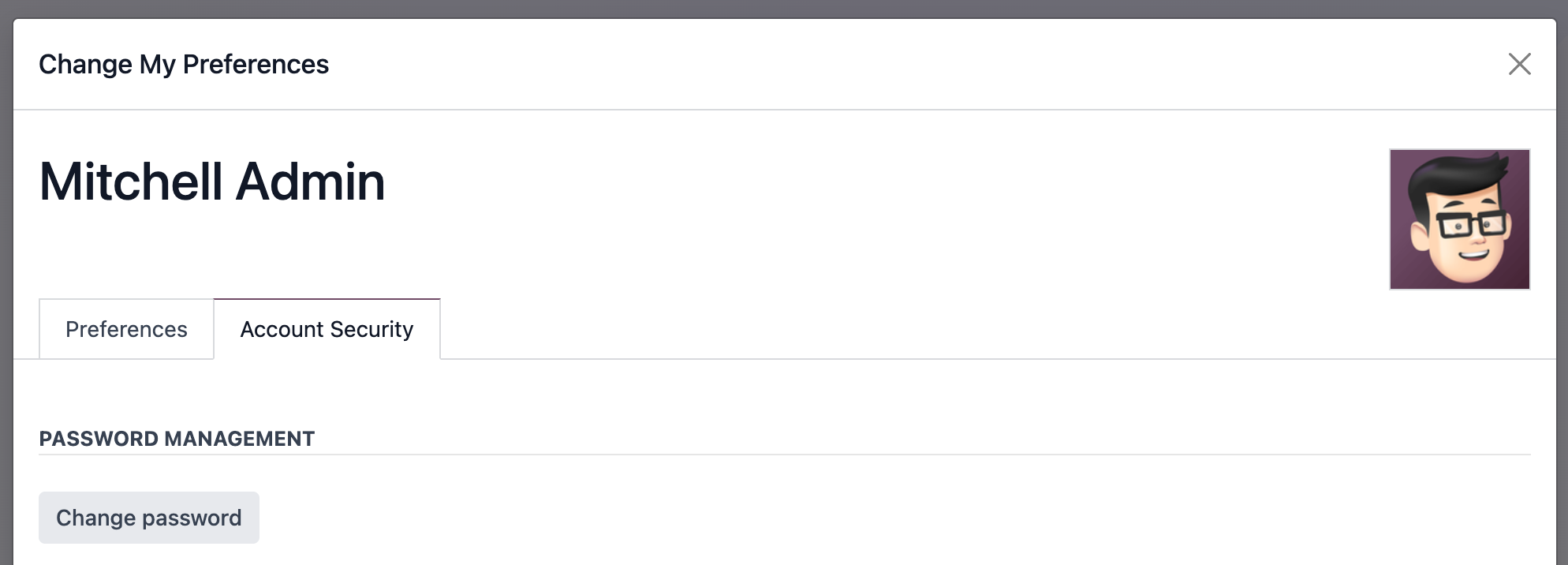
Once logged into Odoo:- Click your user avatar in the top-right
- Select “Preferences”
- Click “Account Security” tab
- Click “Change Password”
- Enter your new password
- Click “Confirm Password” to save
Next Steps
- Connect via SSH for advanced administration
- Set up staging instance to test changes safely