

Overview
Enable automatic weekly updates to keep your Odoo instances running the latest tested version of Odoo and Odoo Enterprise (if applicable). Updates run over the weekend with minimal downtime.What Gets Updated
When automatic updates are enabled, doploy installs:- Latest Odoo core - Security patches and bug fixes from the official Odoo repository
- Odoo Enterprise modules - Latest Enterprise updates (if you have Enterprise enabled)
Enabling Auto Updates
Step 1: Access Instance Settings
Navigate to your instance and click on the “Settings” tab.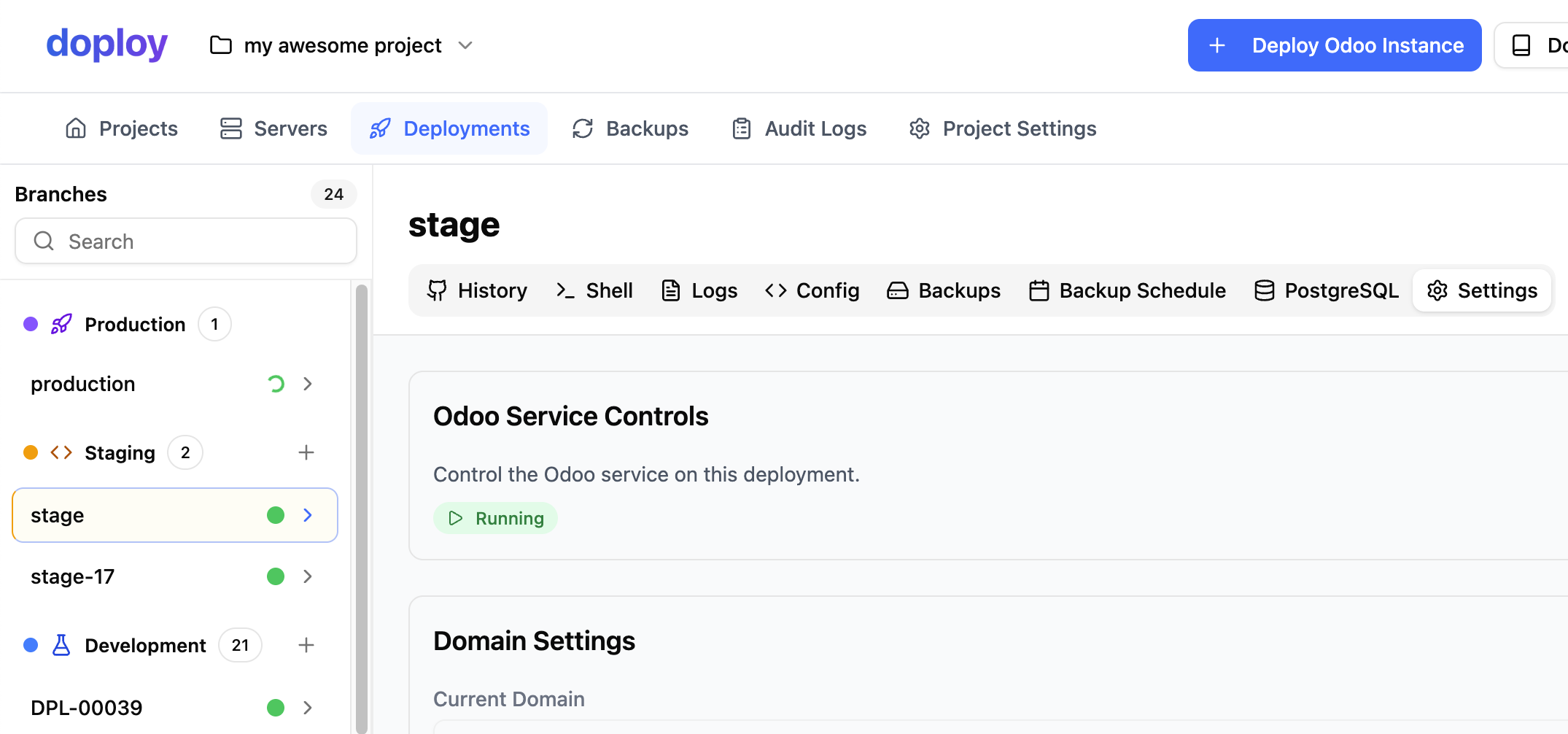
Step 2: Enable Weekly Updates
In the settings page, locate the “Automatic Odoo Updates” section and toggle it on.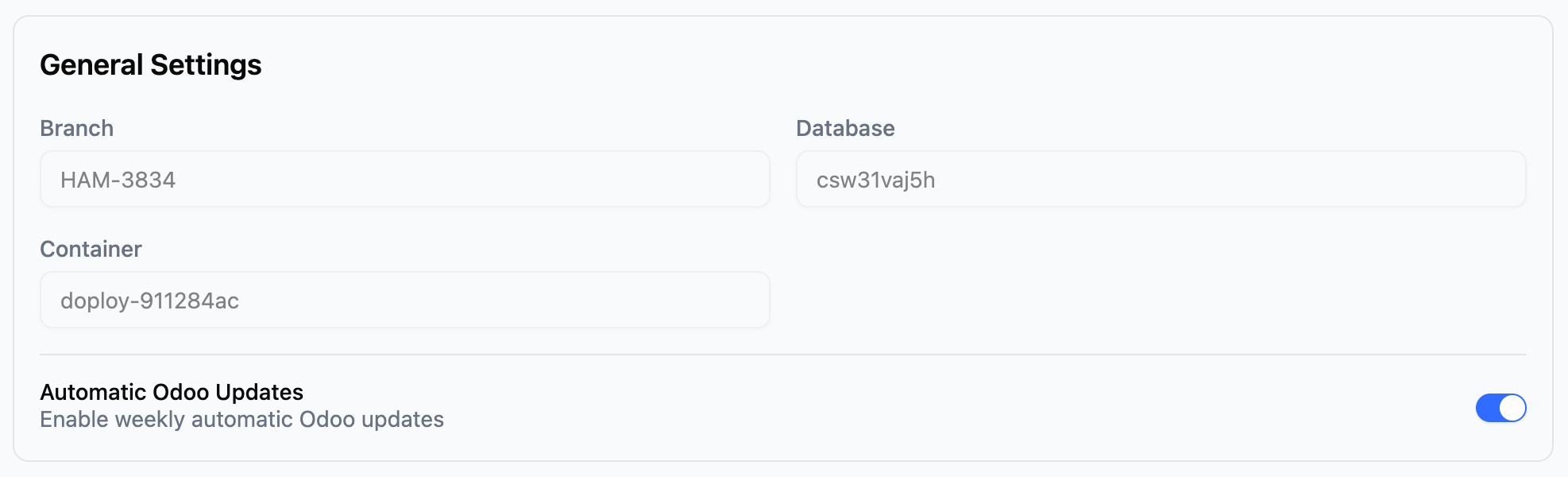
Disabling Auto Updates
You can disable automatic updates anytime from the same settings page. Simply toggle off “Automatic Odoo Updates”.Next Steps
- Set up staging instance to test updates before production
- Configure backup schedule for additional safety