Step 1: Sign in to GitHub
Make sure you have a GitHub account and are signed in at github.com. If you don’t have a GitHub account, create one here.Step 2: Access GitHub Settings
Navigate to your GitHub settings in doploy to connect your GitHub account. Click on your user avatar in the top-right corner and select “Account Settings”, or go directly to https://cloud.doploy.io/settings/github.Step 3: Connect GitHub Account
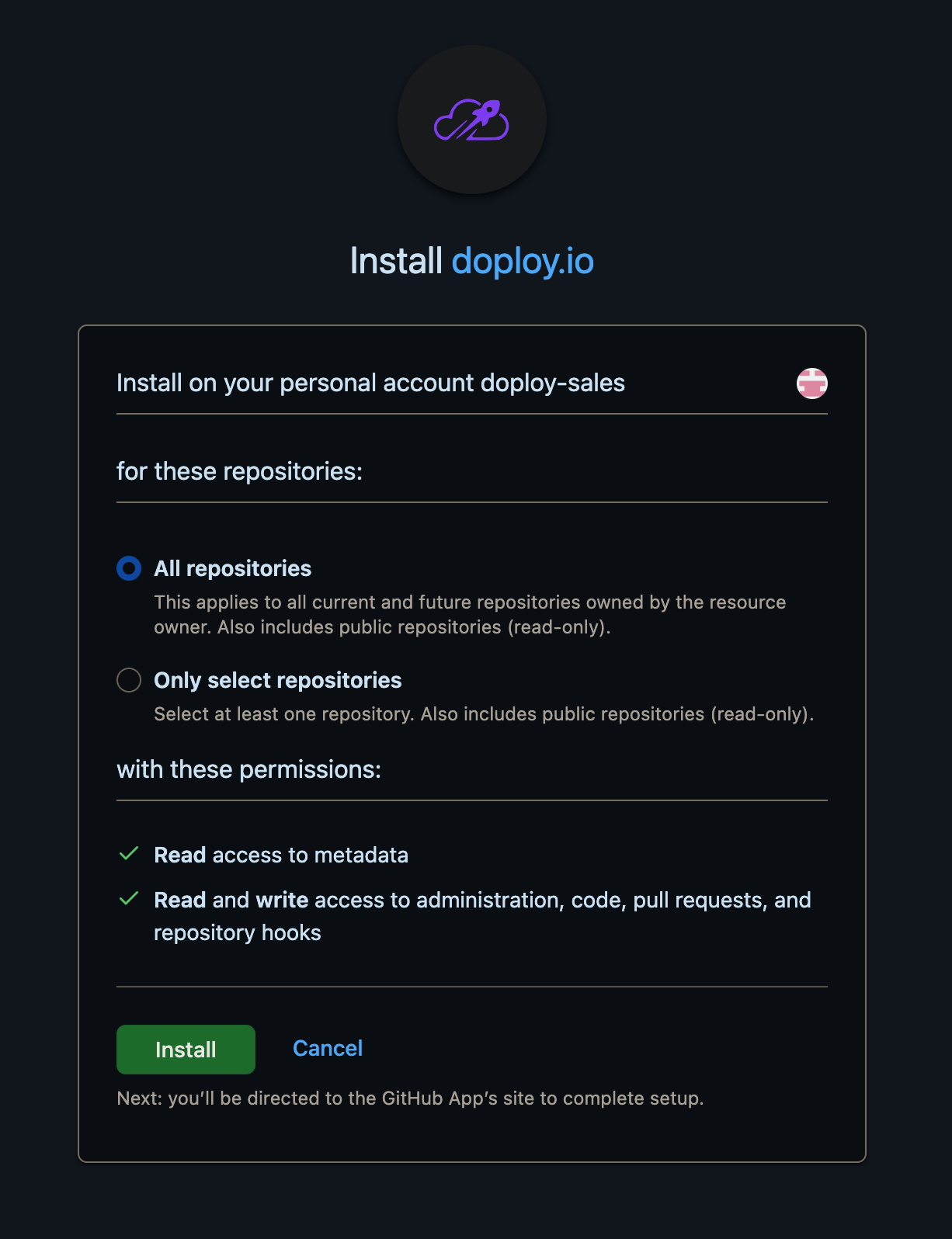
In the user settings page, find the GitHub integration section and click “Connect GitHub” to authorize doploy to access your repositories. You’ll be redirected to GitHub where you’ll see the doploy installation screen: